Free
$0
For one server
- One server: Plex, Jellyfin or Emby
- Full playback: Direct Play, transcode choice, playback info
- Subtitles on or off, size and style
- Default colour-button jumps
- Default Home rows
Watch your own movies and series on the big screen. Xplayer signs in to all three media servers at once, so every library sits in one place.
Free to download. Plus is a one-time $7.99.See Free and Plus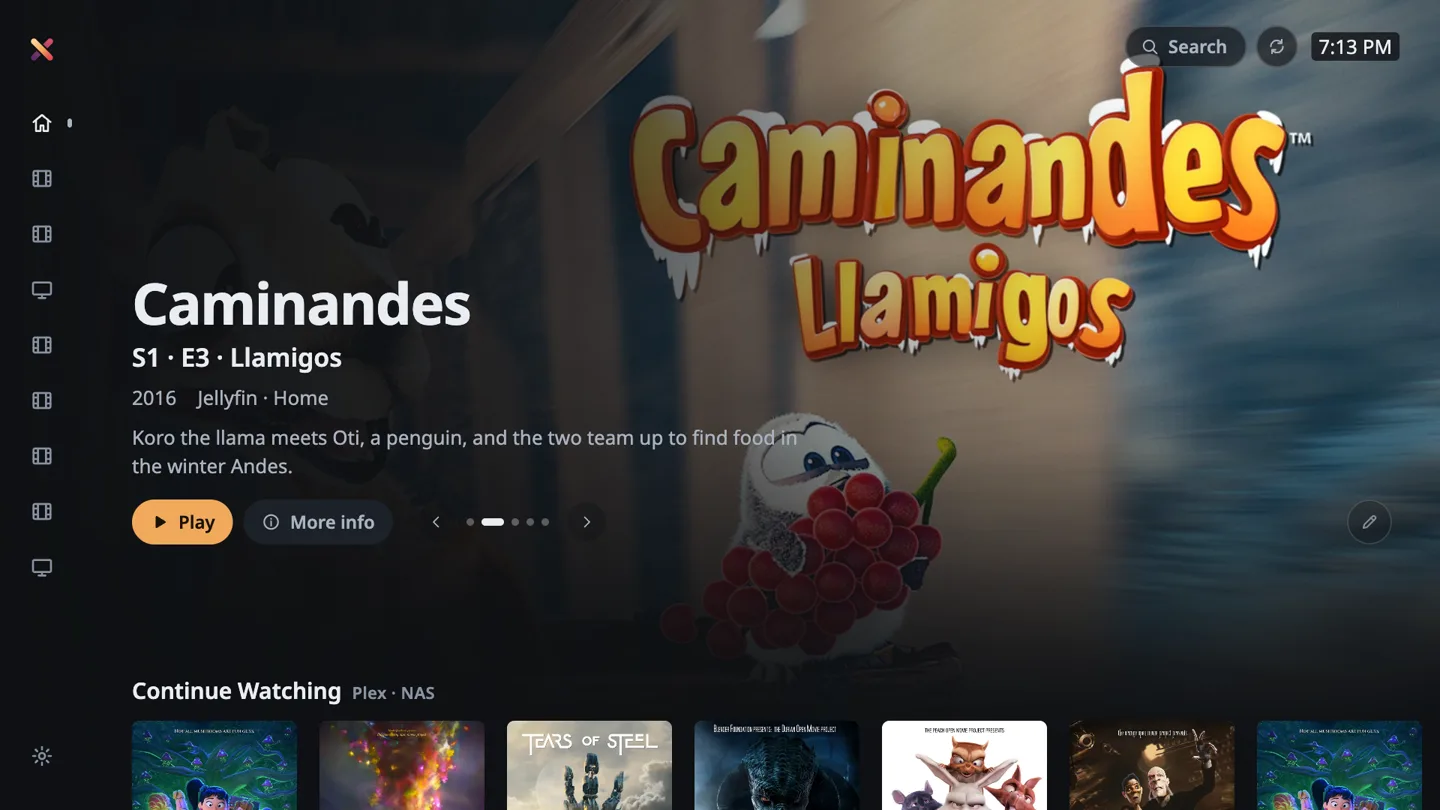
The free app plays everything from one server. Plus is a single payment per TV: on LG and Samsung you scan a QR code with your phone, on Google TV and Fire TV you buy it in their store.
$0
For one server
$7.99
One time, per TV
A media server is a free program on a computer or NAS that keeps your movies and series and streams them to your TV. Xplayer is the app on the TV side.
Movies and series on a computer, a NAS or an external drive.
Each one is a media server you can install for free. Jellyfin is fully open source.
Sign in once: a short code for Plex, Quick Connect or a password for Jellyfin and Emby.
Every library from every server, sorted the way you like.
Movies
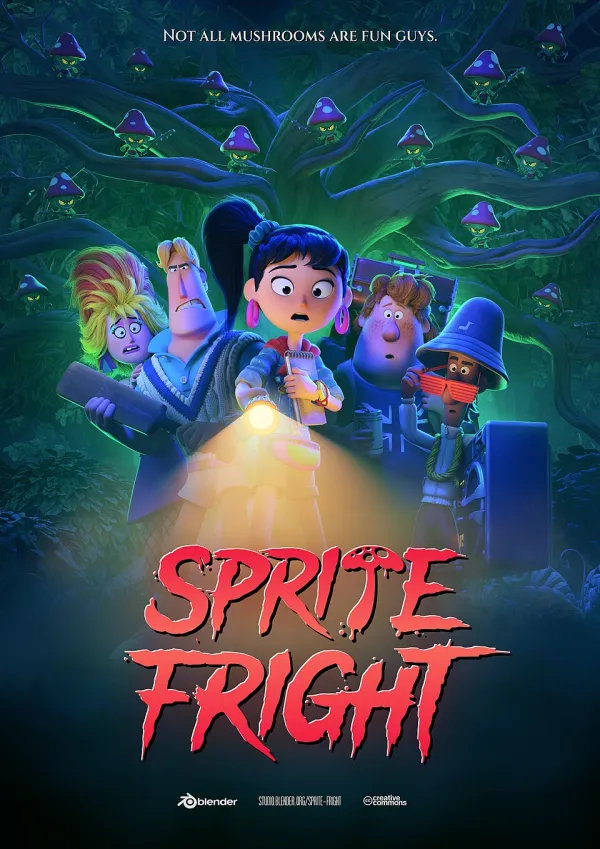
Sprite Fright2021
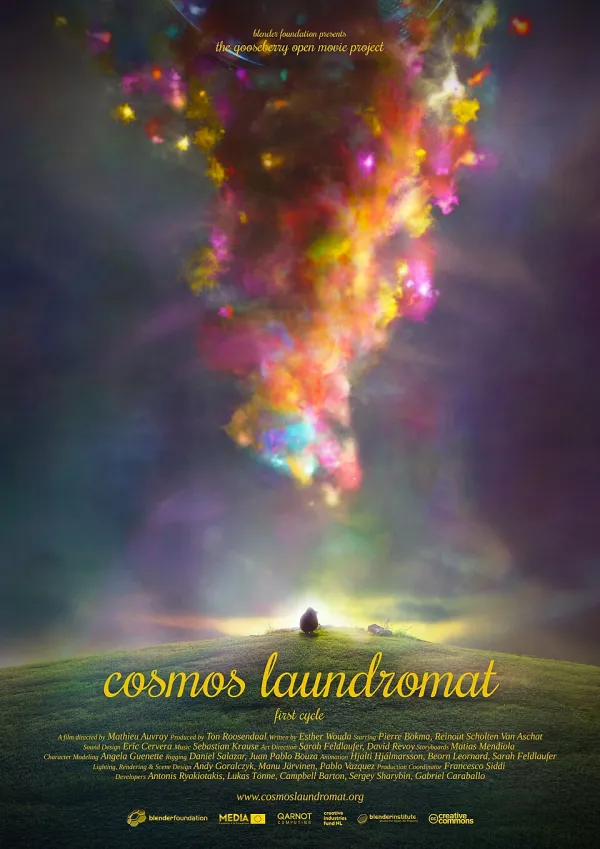
Cosmos Laundromat2015

Tears of Steel2012

Sintel2010

Big Buck Bunny2008

Elephants Dream2006
Series
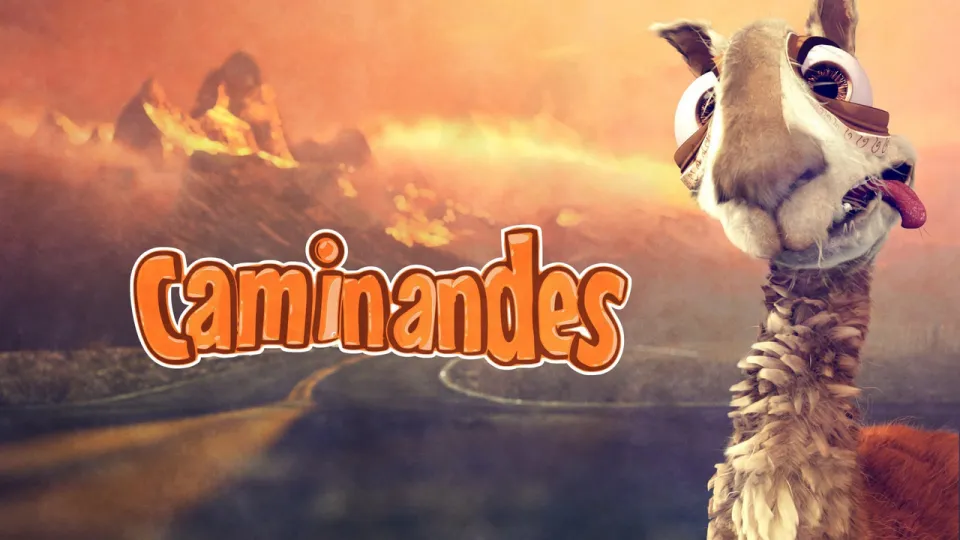
CaminandesE1 · Llama Drama · 2013

CaminandesE2 · Gran Dillama · 2013
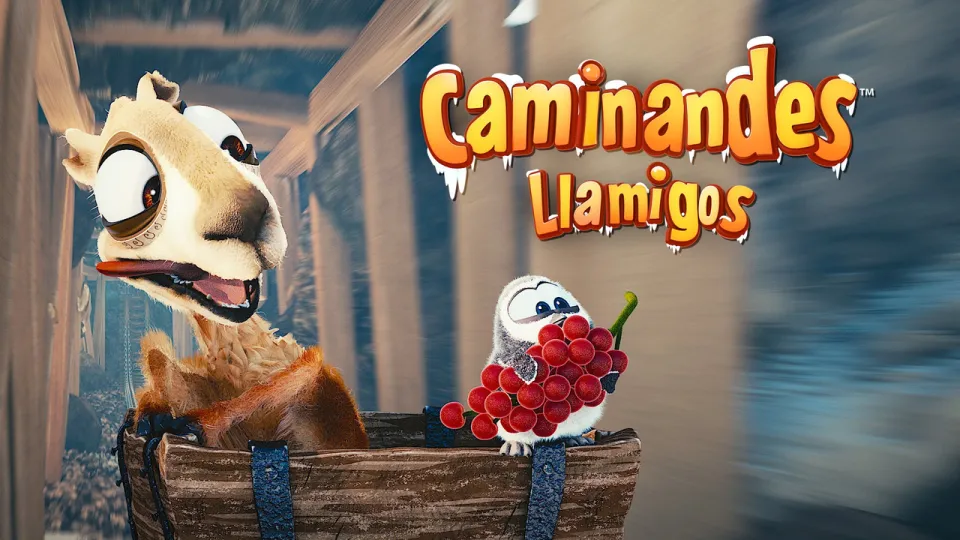
CaminandesE3 · Llamigos · 2016
Plex, Jellyfin and Emby side by side, each row labelled with the server it comes from.
Direct Play of MKV and MP4 (HEVC, H.264, EAC3) through the TV's own video pipeline. A badge appears only when the server has to convert.
On by default in your language: subtitle files, tracks inside the video, online search through Plex, and sync in quarter-second steps.
Plex markers jump past the intro, and the next episode is ready before the credits end.
Each version is tuned to the remote that came with your TV.
Pick your TV's app store.